
Scenarios
What people run into
Anonymized situations we hear in forums, chats, and support tickets: creative suites, shared family PCs, gaming rigs, and a few more archetypes below. They are not testimonials; they are patterns.
Each blurb is written so you can map it to a feature on the Features page: leftover scans, Hunter, history, or simple discipline around reboots and restore points.
How to use these vignettes
Treat them as mental rehearsals, not promises of outcomes. Real PCs differ by driver sets, group policy, and disk encryption. If a story sounds like yours, copy the order of operations (backup, vendor uninstall, reboot, scan) rather than mirroring every click.
When two problems overlap (for example gaming launchers and aggressive antivirus), solve one layer at a time. Uninstall or disable the noisiest component first, reboot, then chase leftovers so you know which product owned each file path.
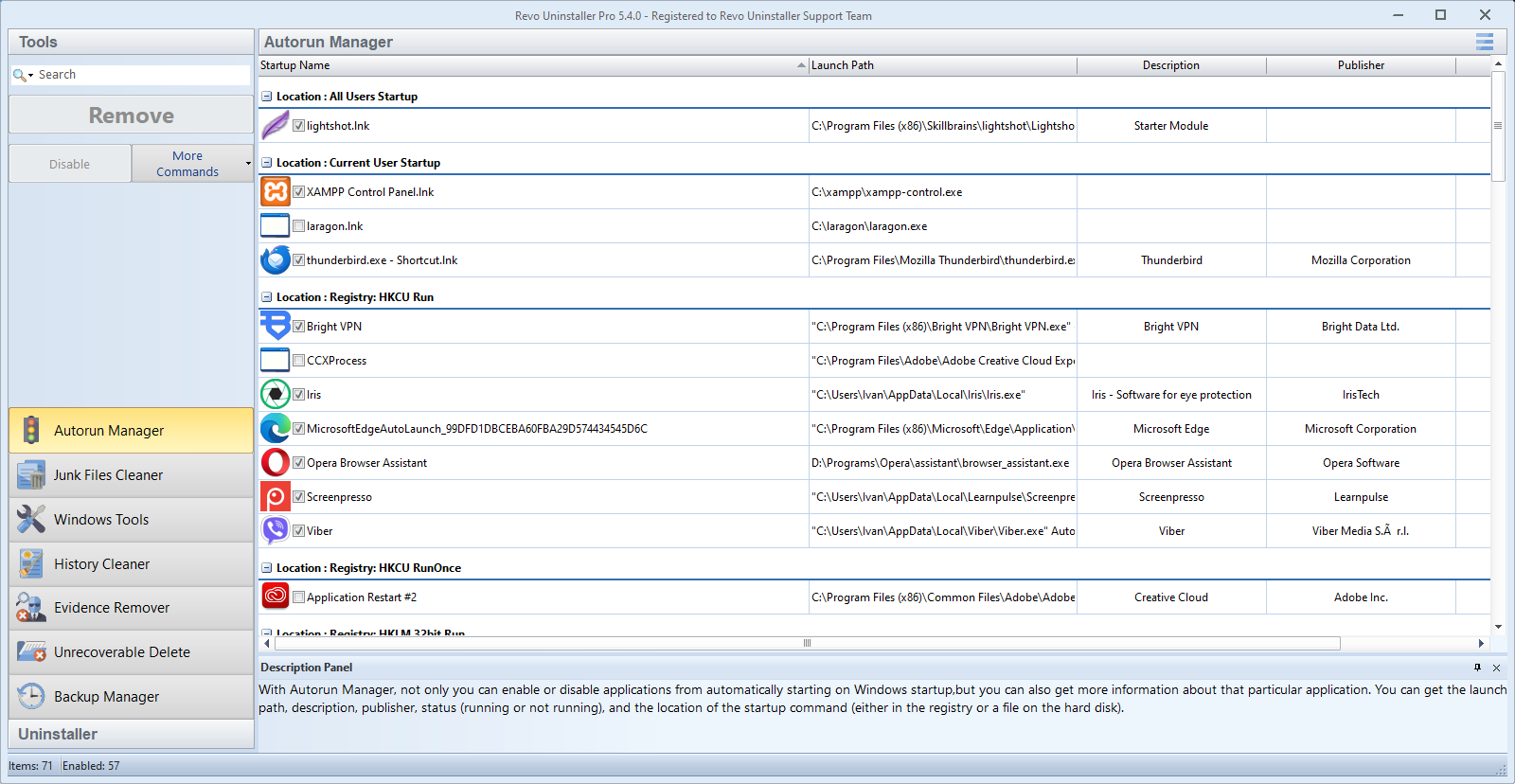
Family PC
“Overlapping antivirus trials. Safe mode uninstalls where possible, then Hunter on the tray icon. Logging the steps avoided reinstalling the same bundle.”
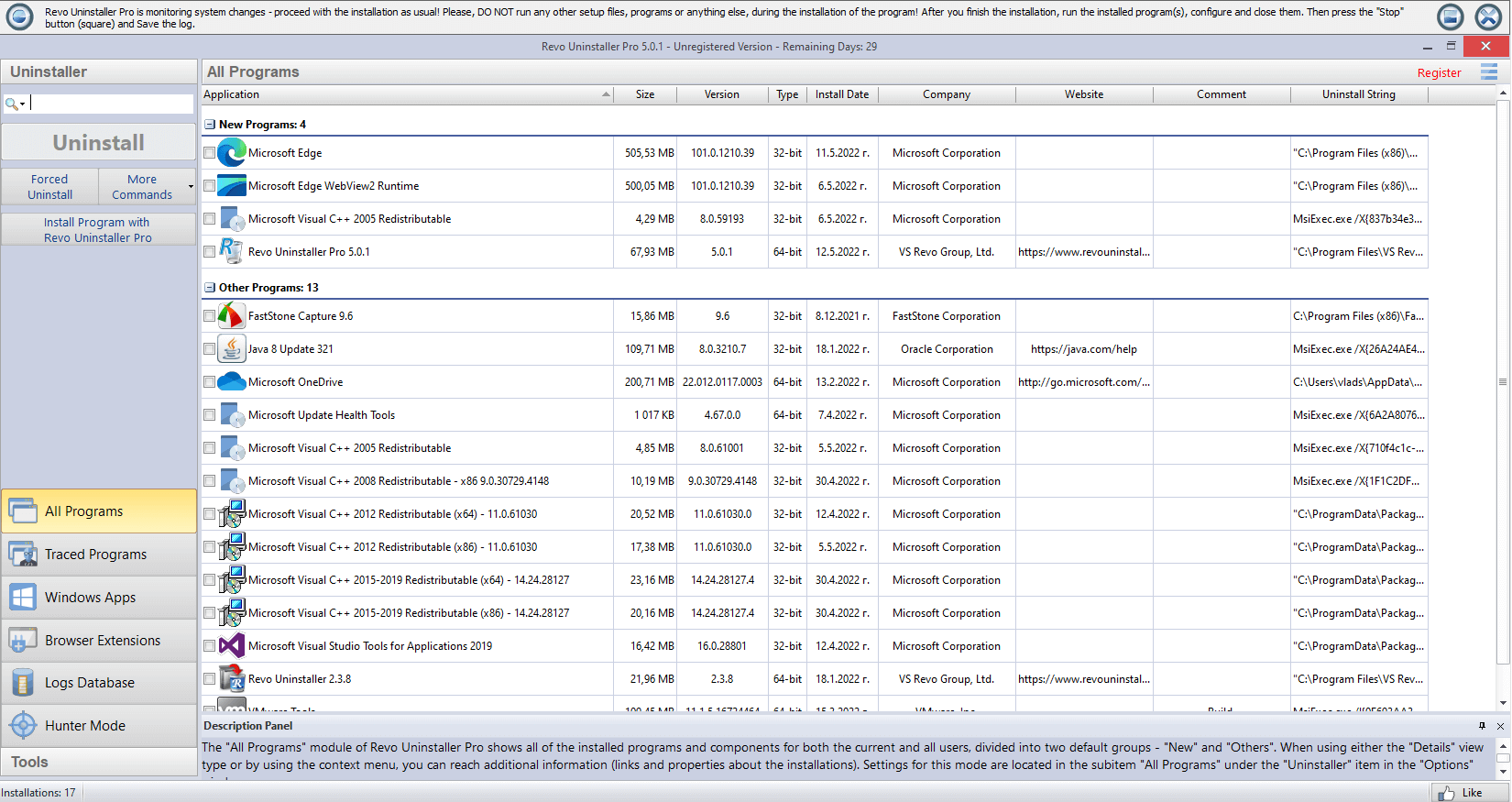
Gaming PC
“Multiple launchers left helpers running. Deep cleanup after uninstall cut background CPU, but I still verify every registry line.”
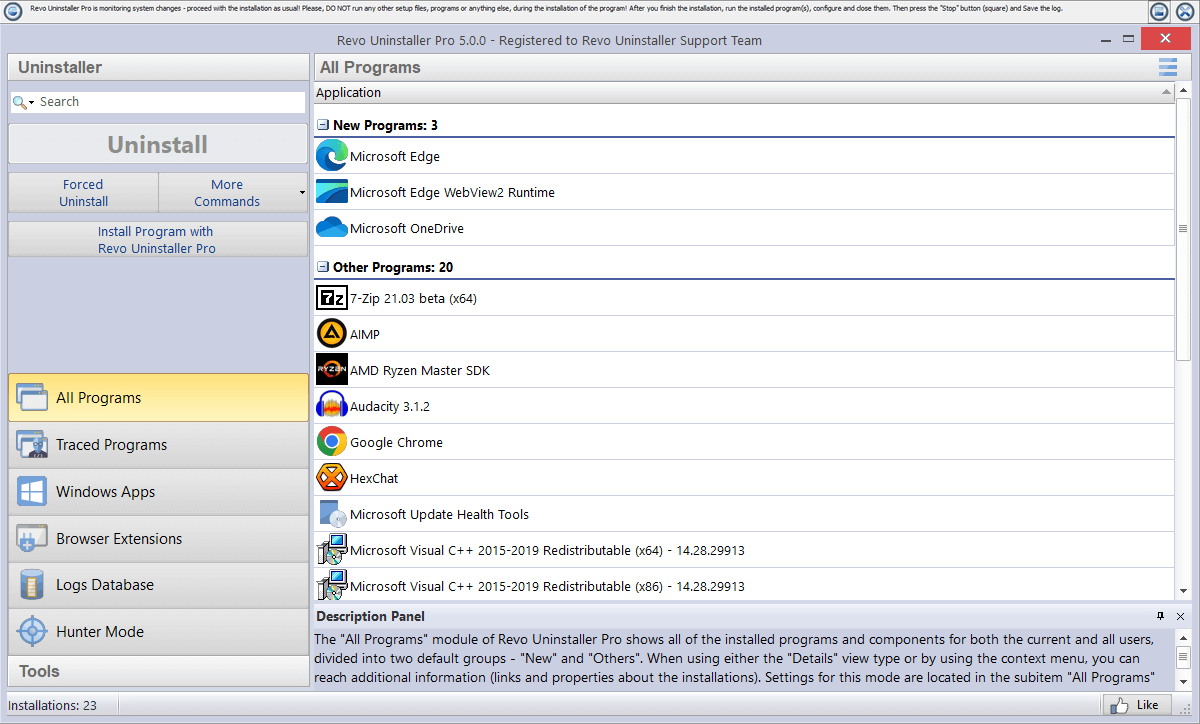
Developer machine
“Five versions of the same runtime from old SDKs. I uninstalled the obvious ones, then used logs to avoid nuking the one Visual Studio still needed. Boring, but fewer rebuild surprises.”
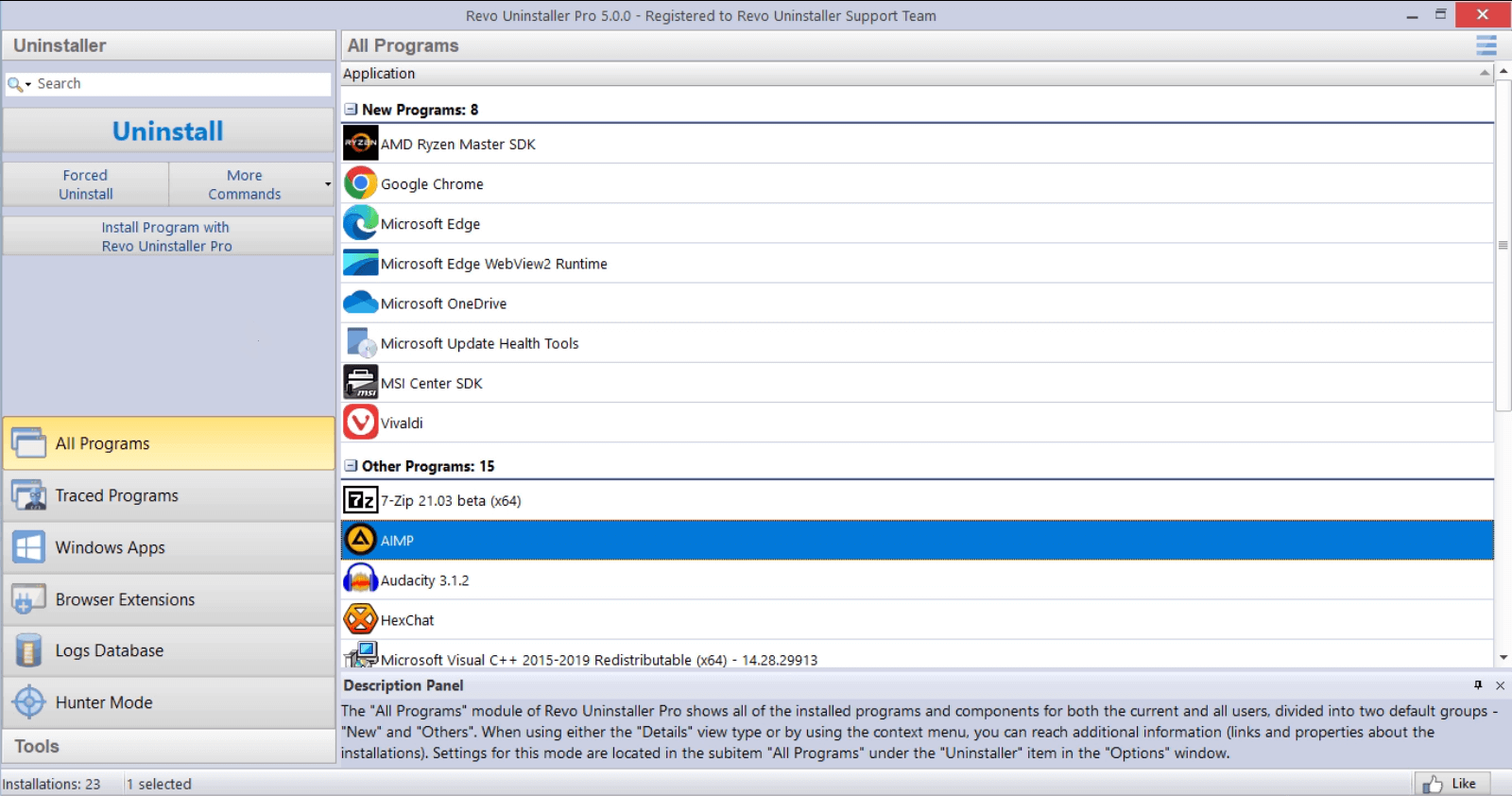
Small office
“We rotate two loaner laptops. History lists mean whoever opens the ticket can see what the last person ripped out. No more ‘I thought Chrome was the only thing we removed.’”
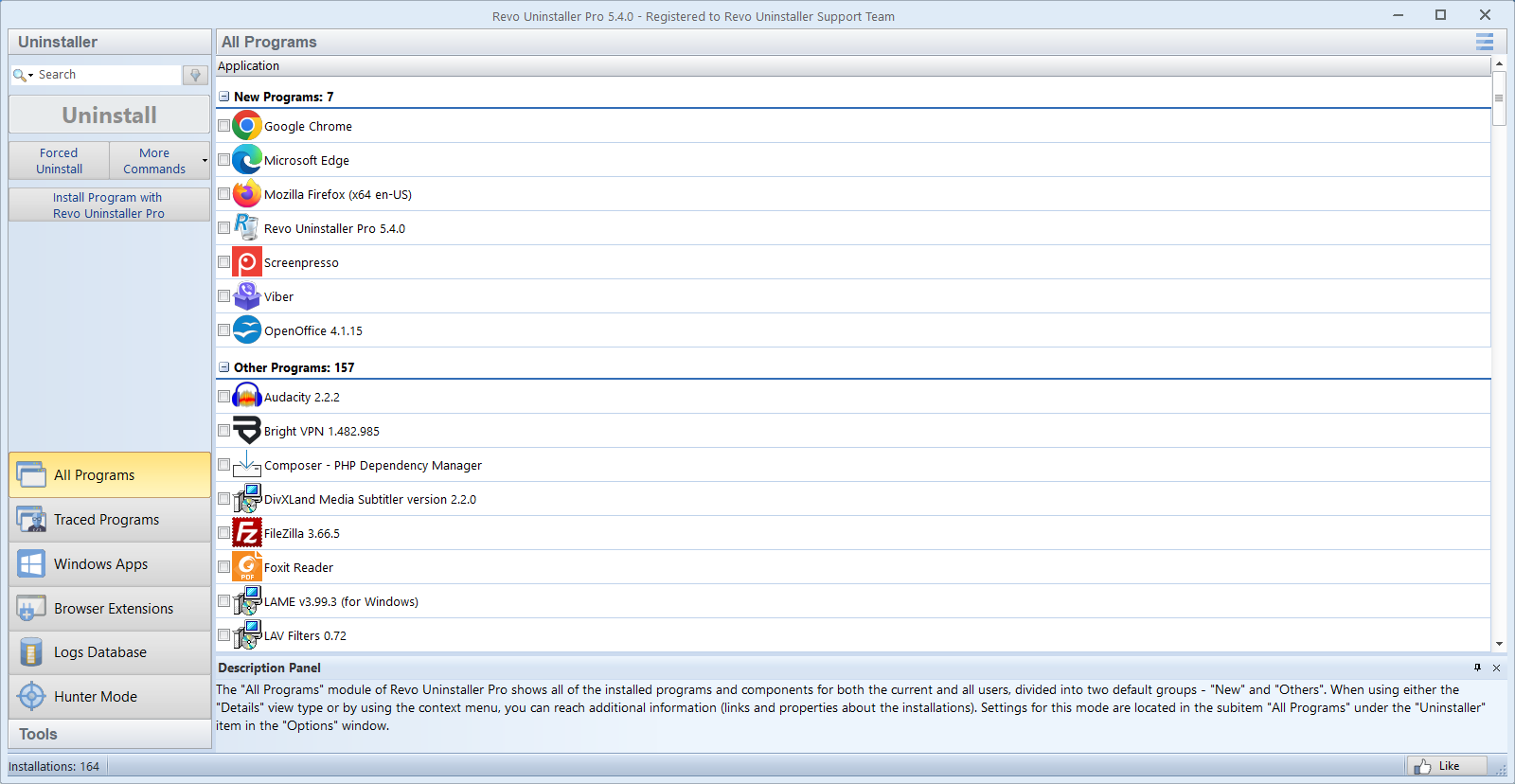
Refurb / resale
“Buyer wants a ‘clean’ Windows image. I walk the uninstall list twice, then verify no finance or VPN folders linger under AppData. Disk wipe comes last. Revo is for the messy middle.”
Themes behind the stories
- · Broken or partial vendor uninstallers after updates.
- · Trial software that leaves schedulers and tray apps behind.
- · Multiple users on one PC with different risk tolerance.
- · Fear of deleting “one wrong registry line”, addressed by slow, logged passes.
- · Migration weekends where you need proof of what was removed before imaging the disk.
- · Laptops with small SSDs where “invisible” caches from old apps still eat gigabytes.
If you maintain documentation for friends or clients, paste the relevant quote into a ticket and link to the matching section on Blogs for the longer rationale.
For step-by-step detail, pair these vignettes with Features and FAQ.